
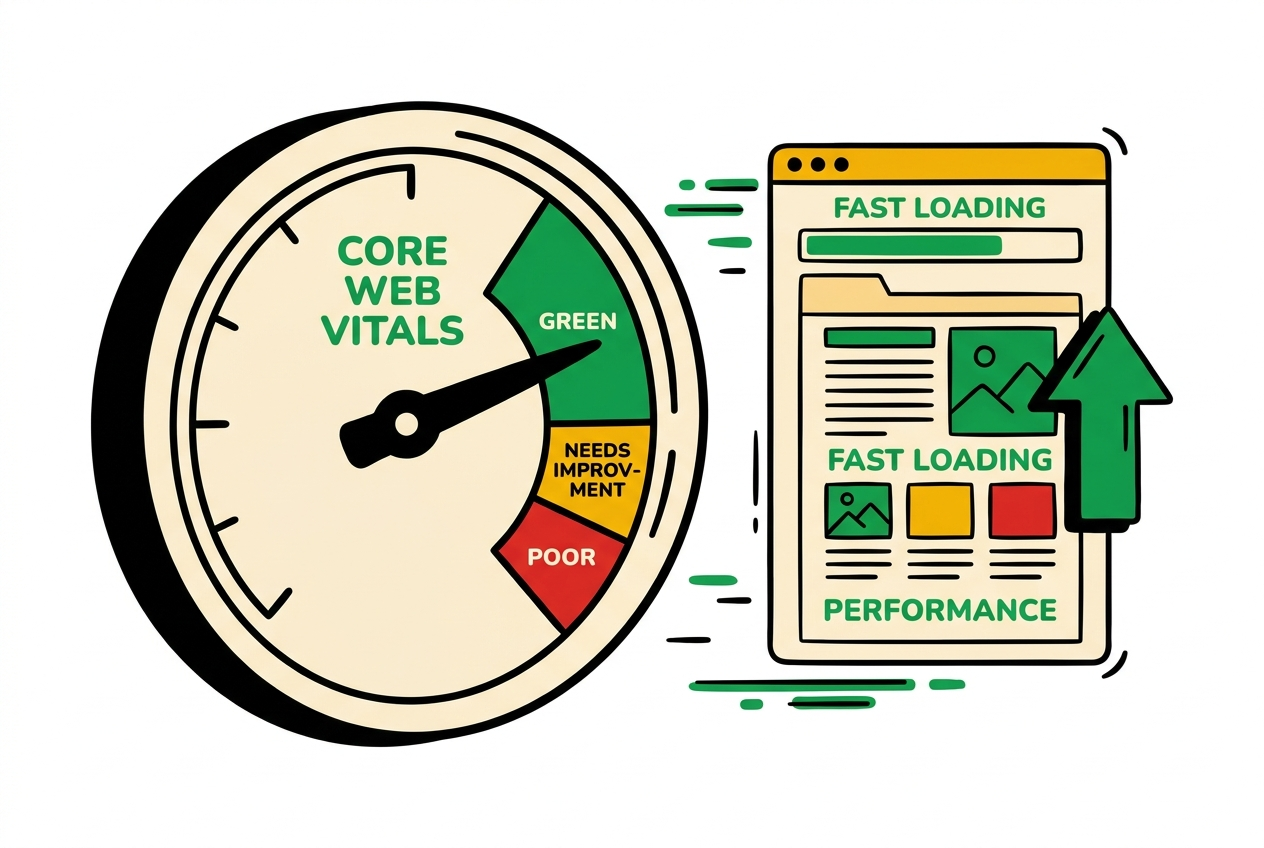
Core Web Vitals are Google’s three user-experience metrics — how fast a page loads, how quickly it responds, and how stable it is while loading. They’re a page-experience ranking signal, they correlate strongly with conversion, and they influence how readily search and AI answer engines retrieve a page. The good news: each one has a clear threshold and a known set of fixes. Here’s how to pass all three.
The three metrics
Google grades the 75th percentile of real users. Aim to be in the green on every metric, on mobile (the stricter case).
Largest Contentful Paint (LCP)
good < 2.5 sLoading — how fast the largest element (usually the hero image or heading) renders.
- Slow server response (TTFB)
- Render-blocking CSS/JS
- Large, unoptimised hero images
- Content that only appears after JavaScript runs
- Serve images in modern formats (WebP/AVIF) at the right size; set fetchpriority="high" on the LCP image
- Server-render the above-the-fold content; avoid client-only rendering for the hero
- Eliminate render-blocking resources; inline critical CSS, defer the rest
- Use a CDN and cache HTML; preconnect to required origins
Interaction to Next Paint (INP)
good < 200 msResponsiveness — how quickly the page reacts to taps, clicks, and key presses.
- Heavy JavaScript on the main thread
- Long tasks that block input handling
- Large hydration / over-shipping JS to the client
- Expensive event handlers
- Ship less JavaScript; code-split and lazy-load what's below the fold
- Break up long tasks (yield to the main thread); debounce expensive handlers
- Prefer server components / static HTML over heavy client hydration
- Move non-urgent work off the main thread (web workers, requestIdleCallback)
Cumulative Layout Shift (CLS)
good < 0.1Visual stability — how much the layout jumps around as the page loads.
- Images and embeds without width/height
- Content injected above existing content (banners, ads)
- Web fonts causing a reflow (FOIT/FOUT)
- Dynamically sized elements without reserved space
- Always set explicit width/height (or aspect-ratio) on images, video, and iframes
- Reserve space for anything injected later (ads, banners, embeds)
- Use font-display: optional/swap and preload key fonts to limit reflow
- Avoid inserting content above what the user is already looking at
Measure field, not just lab
Lighthouse and PageSpeed Insights give you a synthetic lab score — perfect for debugging a single page. But Google ranks on field data: what real Chrome users actually experienced (the Chrome User Experience Report, surfaced in PageSpeed Insights and the Search Console Core Web Vitals report). A page can score 100 in the lab and still fail in the field on slow devices and networks. Fix in the lab, then confirm in the field.
Treat it as a build gate
The reason most sites fail Core Web Vitals isn’t difficulty — it’s that performance is checked after launch, once the regressions have piled up. The build-site methodology makes it a gate: every page ships with images sized and in modern formats, the LCP element prioritised, layout space reserved, and JavaScript kept lean — and a Lighthouse pass is required before it goes live. Caught at build time, these are minutes of work; caught in production, they’re a migration.
How traffix.dev helps
traffix.dev measures Core Web Vitals on every page across your portfolio (via the PageSpeed Insights field data), flags the pages dragging you down, and hands each fix to your AI coding agent with the lighthouse-perf-gate reference attached — so the fix is implemented to the methodology, then re-measured.
Frequently asked
- What are the Core Web Vitals thresholds?
- There are three. Largest Contentful Paint (LCP) should be under 2.5 seconds (good), 2.5–4s needs improvement, over 4s is poor. Interaction to Next Paint (INP) should be under 200ms, 200–500ms needs improvement, over 500ms is poor. Cumulative Layout Shift (CLS) should be under 0.1, 0.1–0.25 needs improvement, over 0.25 is poor. Google measures the 75th percentile of real users.
- Are Core Web Vitals a ranking factor?
- Yes — they're part of Google's page experience signals. The effect is real but usually a tie-breaker rather than a dominant factor: great content on a slow page can still rank, but between two comparable pages, the faster one wins, and poor vitals can suppress otherwise-strong pages. They also affect conversion and how often AI answer engines retrieve a page.
- What's the difference between lab and field data?
- Lab data (Lighthouse, PageSpeed Insights' 'Analysis') is a single synthetic test — great for debugging. Field data (the Chrome User Experience Report, shown as the '28-day' numbers and in Search Console) is what real users experienced, and it's what Google actually uses for ranking. Optimise in the lab, but verify in the field.
- INP replaced FID — what changed?
- In March 2024, Interaction to Next Paint (INP) replaced First Input Delay (FID) as the responsiveness Core Web Vital. INP is stricter: it measures the full latency of interactions throughout the visit (not just the first), so heavy JavaScript that was hidden by FID now shows up. If you optimised for FID, re-check INP.
- How do I measure Core Web Vitals?
- Use PageSpeed Insights (lab + field for a URL), the Search Console Core Web Vitals report (field data across your whole site, grouped by issue), the Lighthouse panel in Chrome DevTools, and the web-vitals JS library for real-user monitoring. traffix.dev measures them per page across your portfolio.
Related guides
- Structured data (JSON-LD) for SEO & AI search: a developer's guideWhat structured data is, the schema types that actually matter, and copy-paste JSON-LD for Organization, FAQ, Breadcrumb, Article, and Product — so search engines and AI understand your pages.
- llms.txt: a developer's guide (with a real example)What llms.txt is, exactly how to write one, and what the 2026 evidence says it actually does — with a working example you can copy. Ten minutes to ship, but not the AEO priority most guides claim.
- How to build a website that ranks with Claude CodeAI-built sites ship fast but often land invisible. Here's how to use Claude Code and the build-site methodology to ship a site engineered to rank in search and get cited by AI answer engines — step by step.